

Camera
The Camera integrationIntegrations connect and integrate Home Assistant with your devices, services, and more. [Learn more] allows you to use IP cameras with Home Assistant.
Building block integration
This camera is a building block integration that cannot be added to your Home Assistant directly but is used and provided by other integrations.
A building block integration differs from the typical integration that connects to a device or service. Instead, other integrations that do integrate a device or service into Home Assistant use this camera building block to provide entities, services, and other functionality that you can use in your automations or dashboards.
If one of your integrations features this building block, this page documents the functionality the camera building block offers.
Streaming video
If your camera supports it, and the stream integration is set up, you will be able to stream your cameras in the frontend and on supported media players.
The Preload stream option will start the camera feed on Home Assistant startup and continue to keep the stream alive. This will result in reduced latency when opening the stream in the frontend, as well as when using the play_stream action or Google Assistant integration. It does, however, utilize more resources on your machine, so it is recommended to check CPU usage if you plan to use this feature.
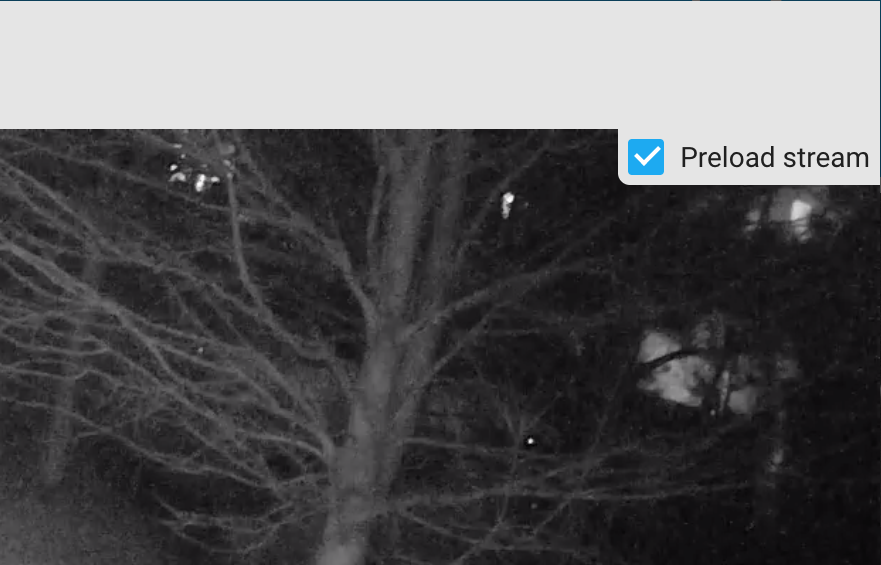 Example showing the Preload Stream option in the camera dialog.
Camera states
A camera can have the following states. Not all camera integrations support all states. Each item shows the label you see in the Home Assistant interface, followed by the state as Home Assistant stores it. If you write templates or edit automations in YAML, use the stored state.
-
Recording (
recording): The camera reports that it is recording video. This state takes priority over streaming. -
Streaming (
streaming): The camera reports that it is streaming live video, but not recording. -
Idle (
idle): The camera reports that it is not recording or streaming. Cameras that don’t report either always show this state, even while you watch their live feed. -
Unavailable (
unavailable): The entity is currently unavailable.
List of actions
The Camera integrationIntegrations connect and integrate Home Assistant with your devices, services, and more. [Learn more] provides the following actions. Each link below opens a dedicated page with examples, parameters, and a step-by-step UI walkthrough.
-
Disable camera motion detection (
camera.disable_motion_detection) Disables the motion detection of a camera. -
Enable camera motion detection (
camera.enable_motion_detection) Enables the motion detection of a camera. -
Play camera stream (
camera.play_stream) Plays a camera stream on a supported media player. -
Record camera feed (
camera.record) Creates a recording of a live camera feed. -
Take camera snapshot (
camera.snapshot) Takes a snapshot from a camera. -
Turn off camera (
camera.turn_off) Turns off a camera. -
Turn on camera (
camera.turn_on) Turns on a camera.
For an overview of every action across all integrations, see the actions reference.
Test if it works
A way to test if you have set up your camera platform correctly, is to use Actions from the Tools. Choose your action from the dropdown menu Action, enter something like the sample below into the data field, and select Perform action.
entity_id: camera.living_room_camera