

Kraken
The Kraken integrationIntegrations connect and integrate Home Assistant with your devices, services, and more. [Learn more] allows you to monitor exchange rates on kraken.com. For a list of tradable asset pairs check this kraken support article.
Configuration
To add the Kraken service to your Home Assistant instance, use this My button:

If the above My button doesn’t work, you can also perform the following steps manually:
-
Browse to your Home Assistant instance.
-
In the bottom right corner, select the
Add Integration button. -
From the list, select Kraken.
-
Follow the instructions on screen to complete the setup.
Options
To define options for Kraken, follow these steps:
-
In Home Assistant, go to Settings > Devices & services.
-
If multiple instances of Kraken are configured, choose the instance you want to configure.
-
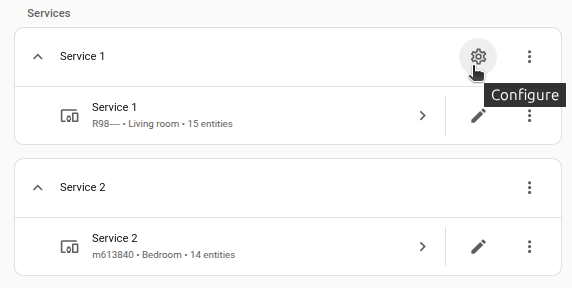
On the card, select the cogwheel
. - If the card does not have a cogwheel, the integration does not support options for this service.
-
Edit the options, then select Submit to save the changes.